




With more people than ever working from home, ensuring efficiency and productivity with remote work continues to be a topic of conversation. Adjusting to this new work environment and determining the tips and tricks that allow you to be your most productive may also take some time.
If you constantly find yourself struggling to get work done at home, you may want to reconsider the layout of your office. A properly laid out workspace will help you focus, as unsuitable layouts can actually contribute to reduced productivity.
Here are a few things to consider when setting up or rearranging your home office:
Determine How You’ll Use the Space
Set Up Your Office With Your Back to the Door
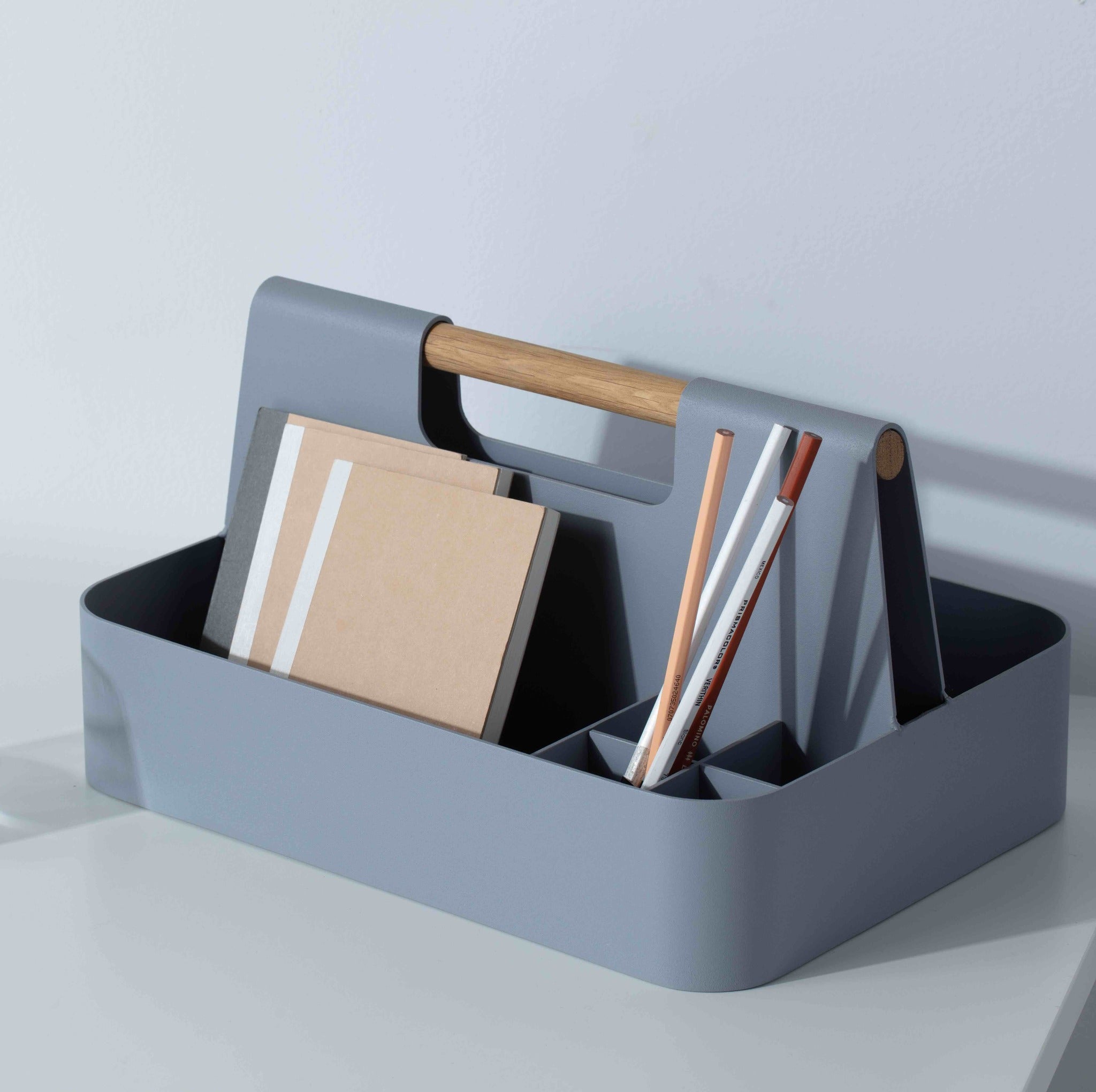
Eliminate Clutter
Use Room Dividers to Create Designated Work Spaces
One of the main benefits of working from home is being able to have your own space. You don't have to worry about noise or other distractions when you need some peace and quiet.
If you share your office space with a friend or family member, room dividers are a great way to ensure everyone has their privacy without feeling completely separated. This will also ensure each person feels like they have their own space to maximize productivity.
Consider the Importance of Ergonomics
While high productivity is desirable, it’s also important to practice self-care and wellness to feel good while working. Keeping these values in mind, incorporating ergonomics into your office can positively impact how you feel about your work, and how you perform too.
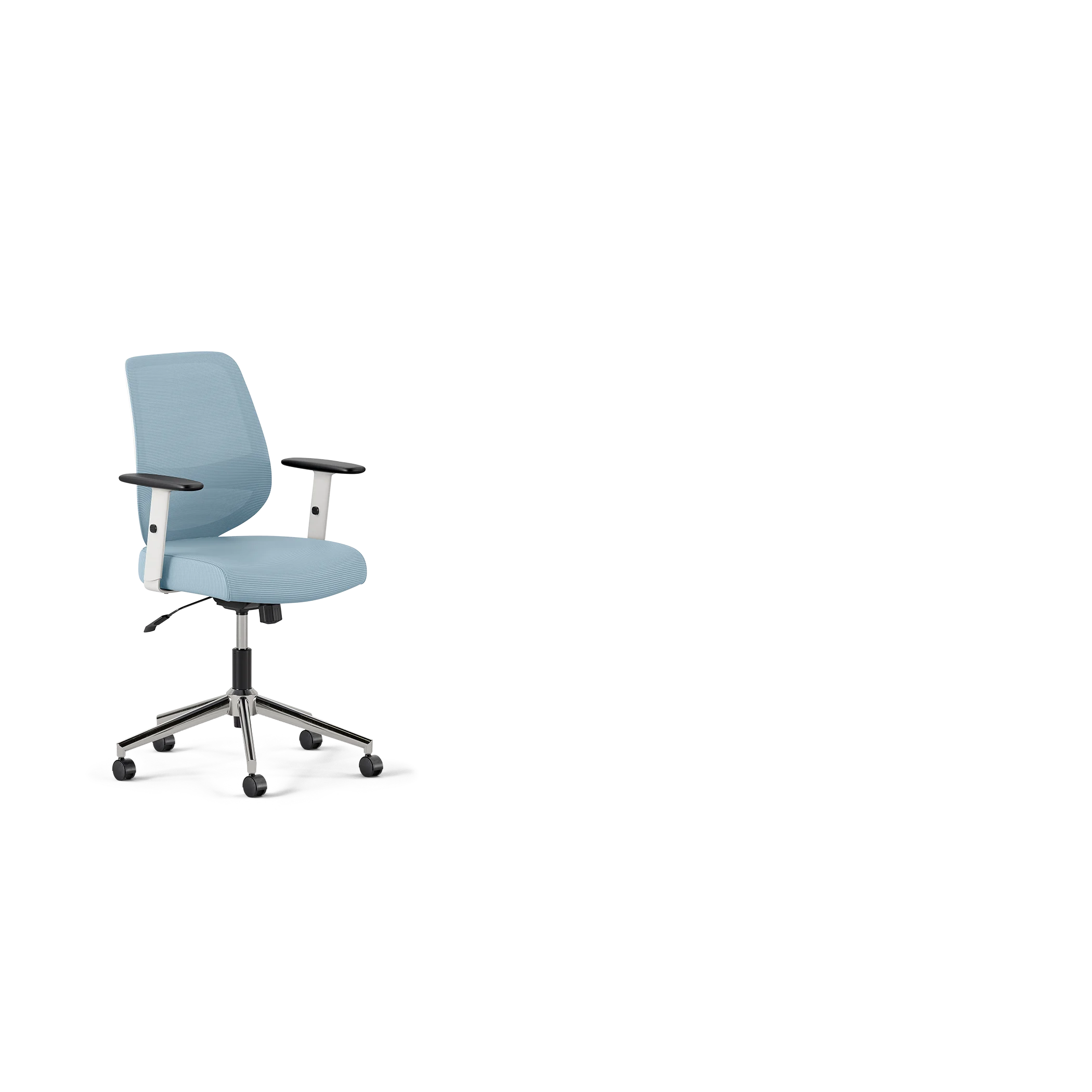
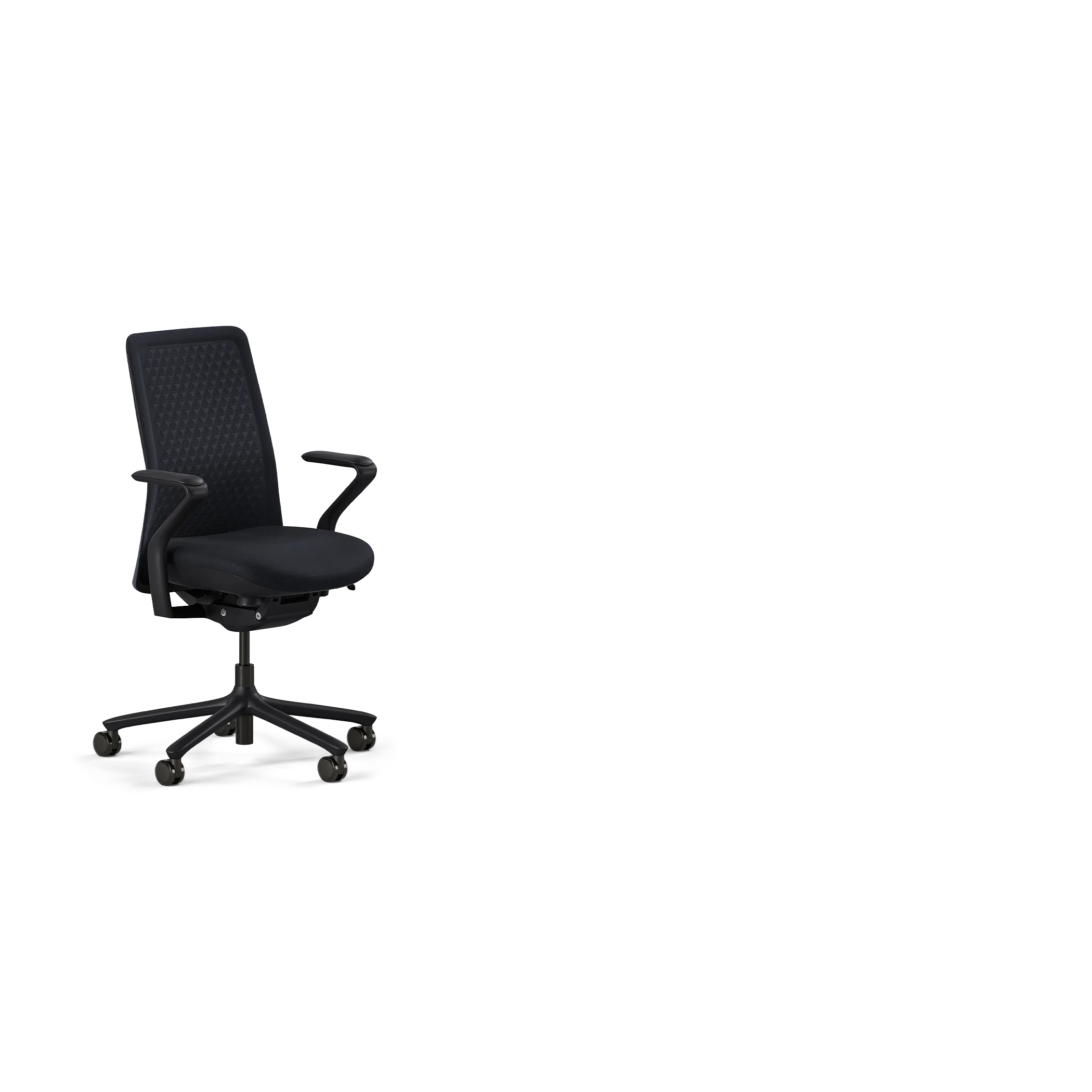
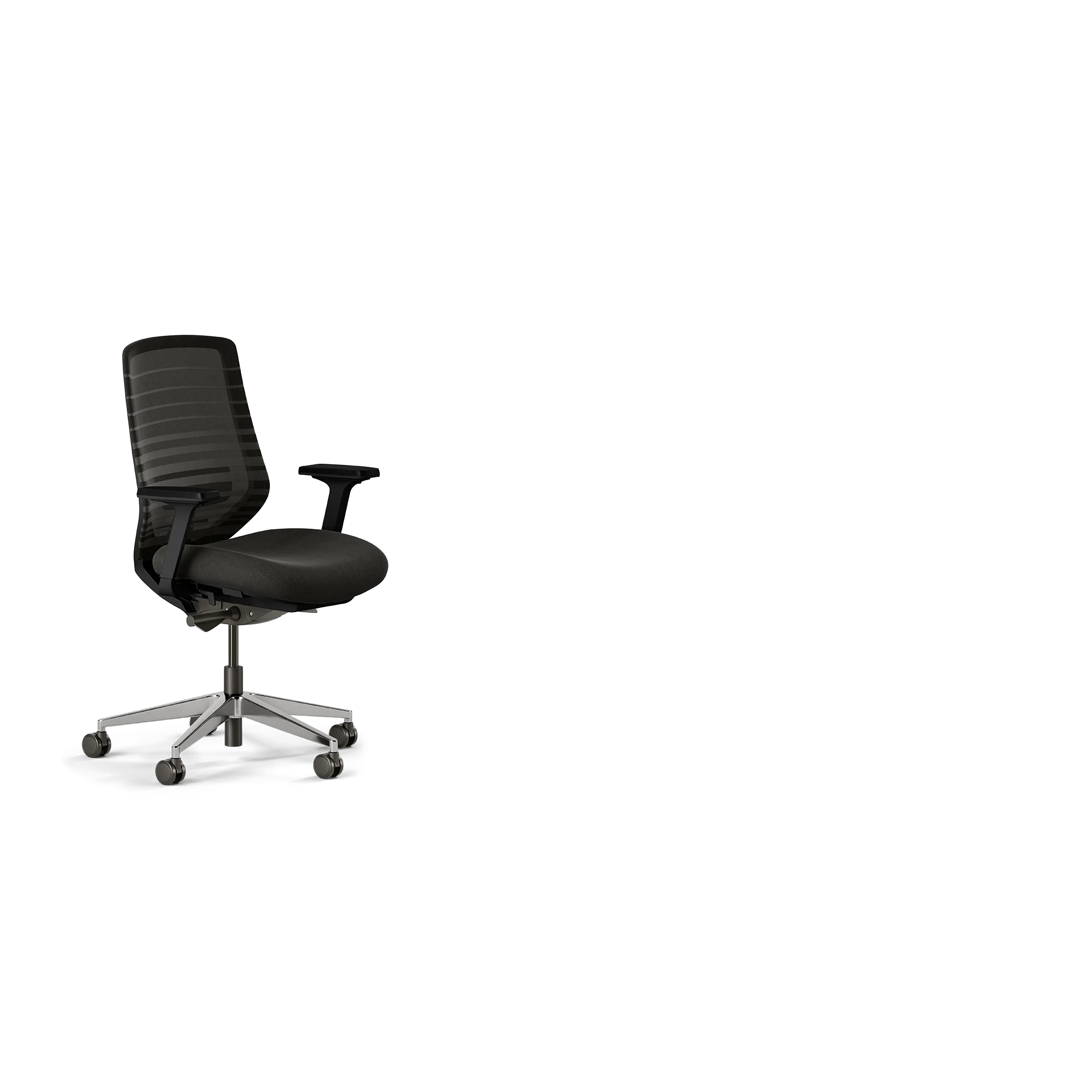
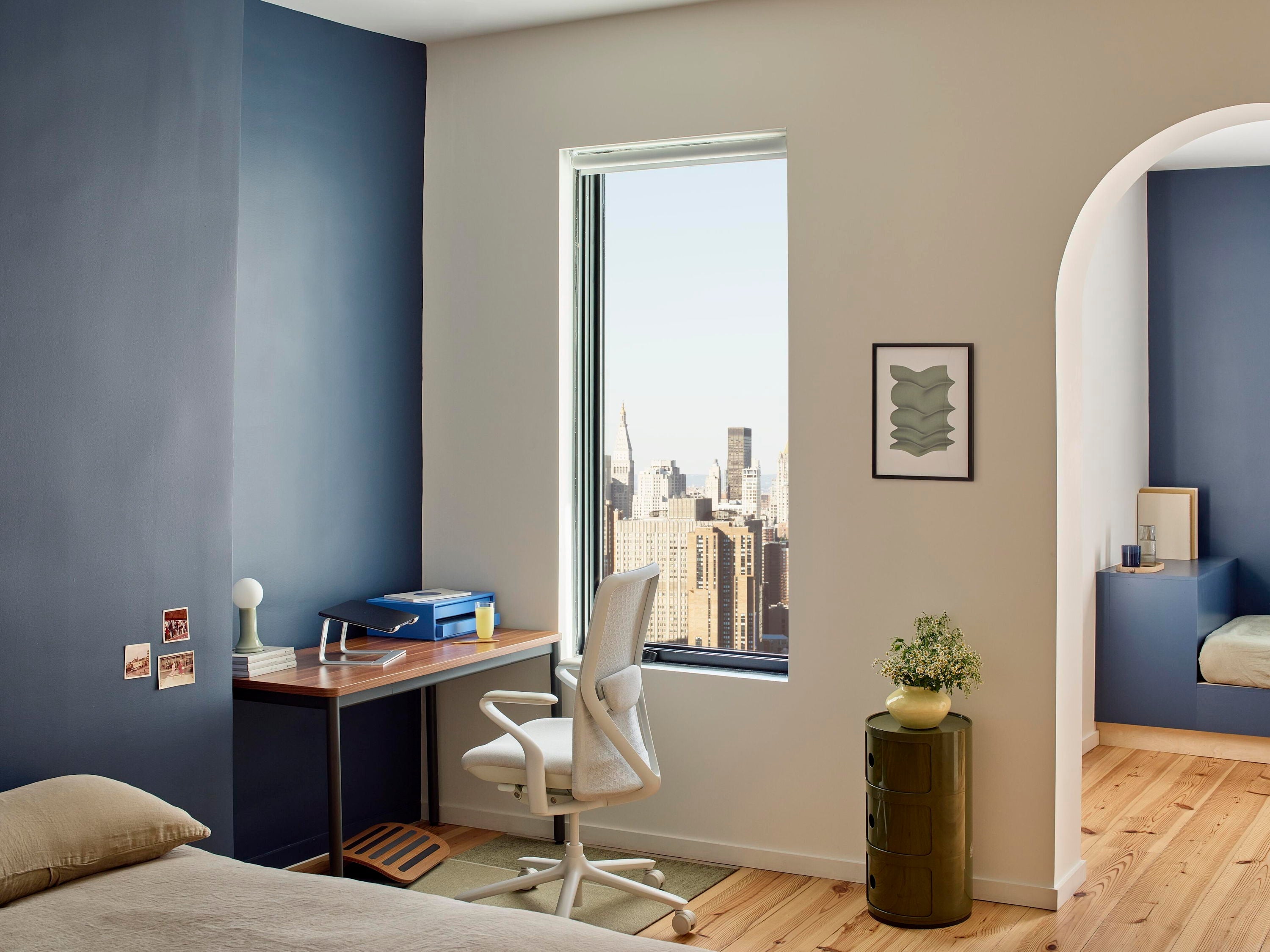
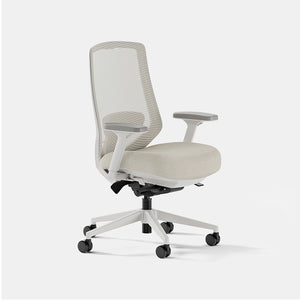
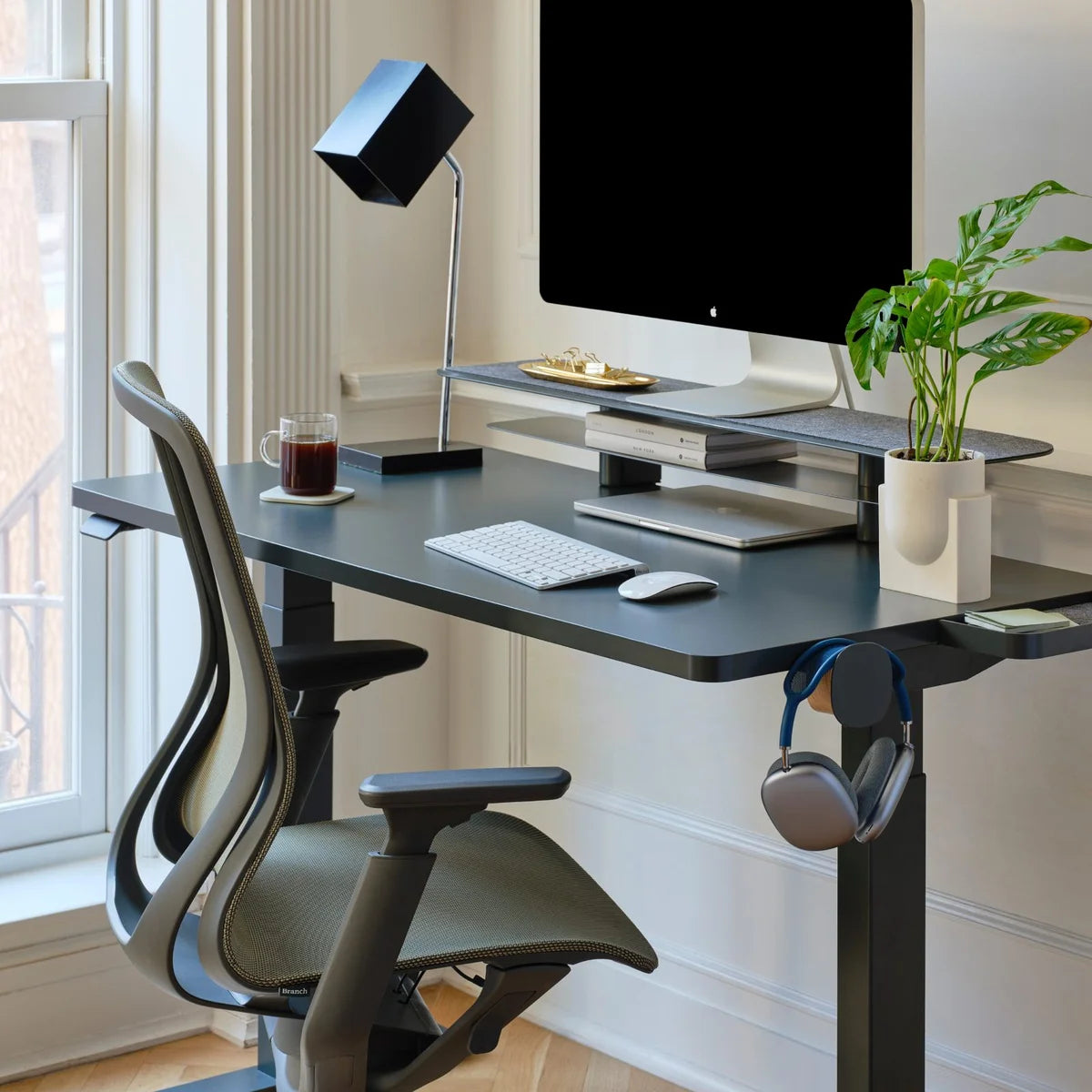
Start with a quality ergonomic chair that provides proper lumbar support and encourages a neutral position. The chair should allow your feet to rest flat on the floor, with your knees at a 90-degree angle. Adjust the seat height so that your upper arms are parallel to the floor, and use a keyboard tray to keep your wrists in a neutral position.
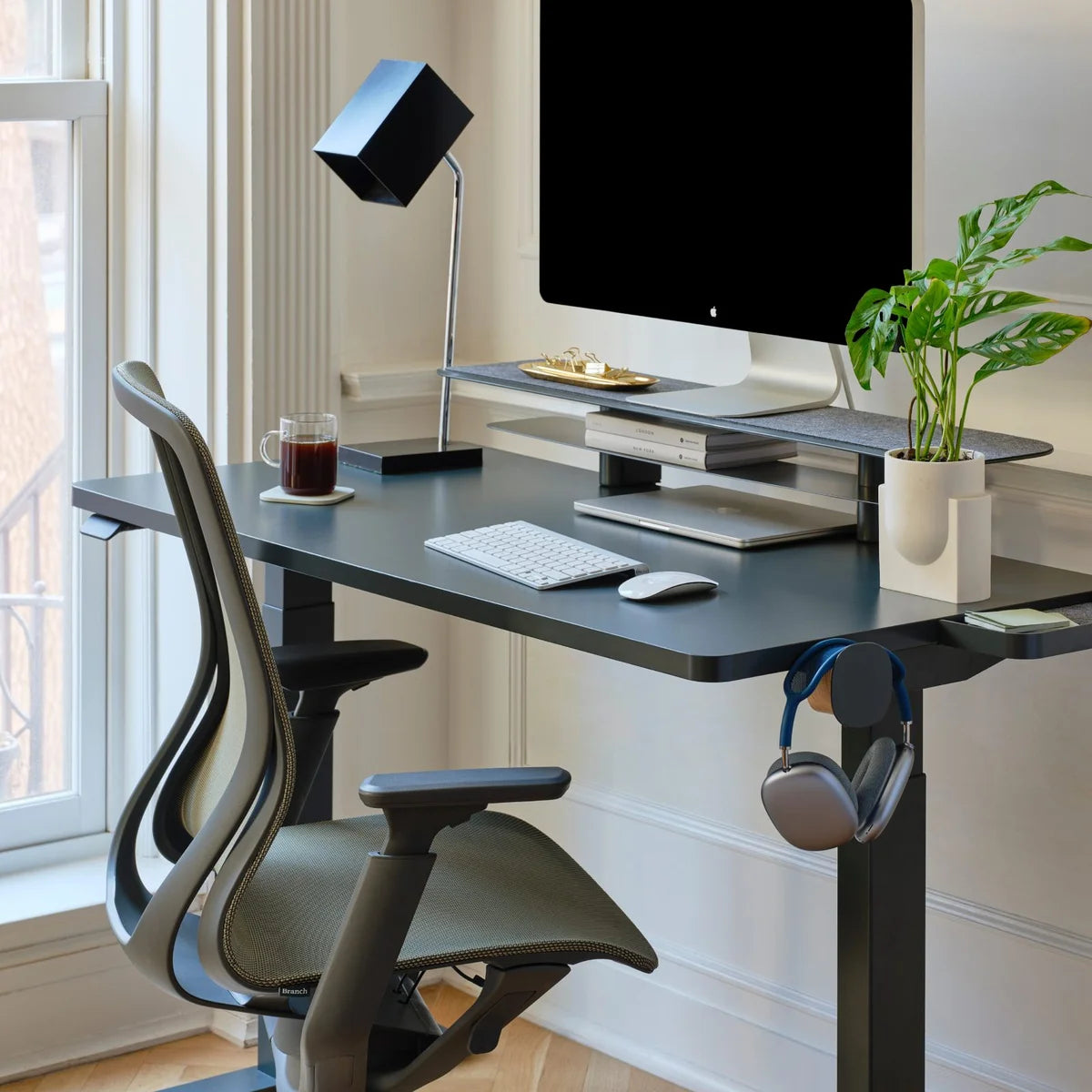
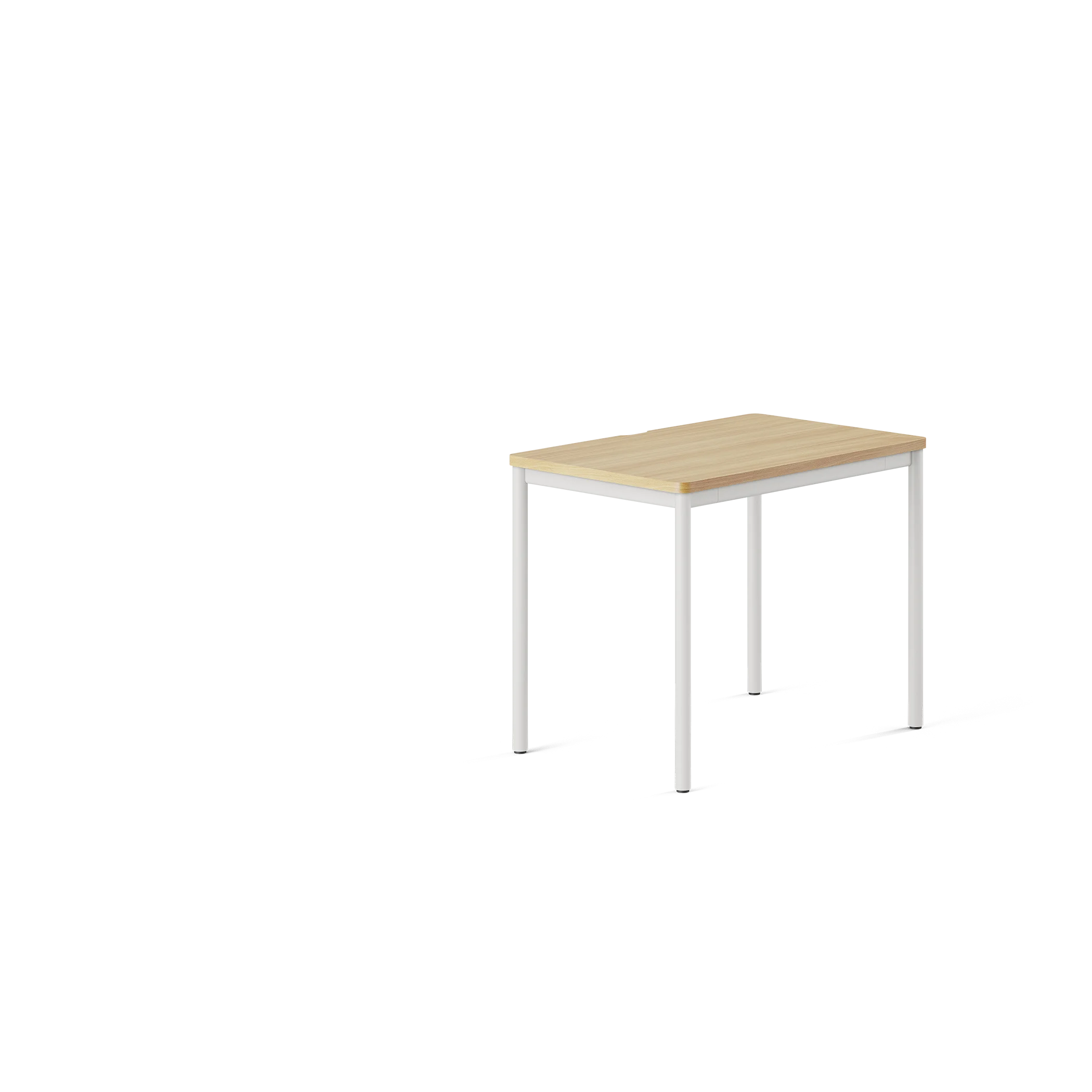
Position your office desk and monitor setup to ensure your screen is at eye level, which helps prevent neck pain. A monitor arm can provide additional flexibility for adjusting screen height and angle.
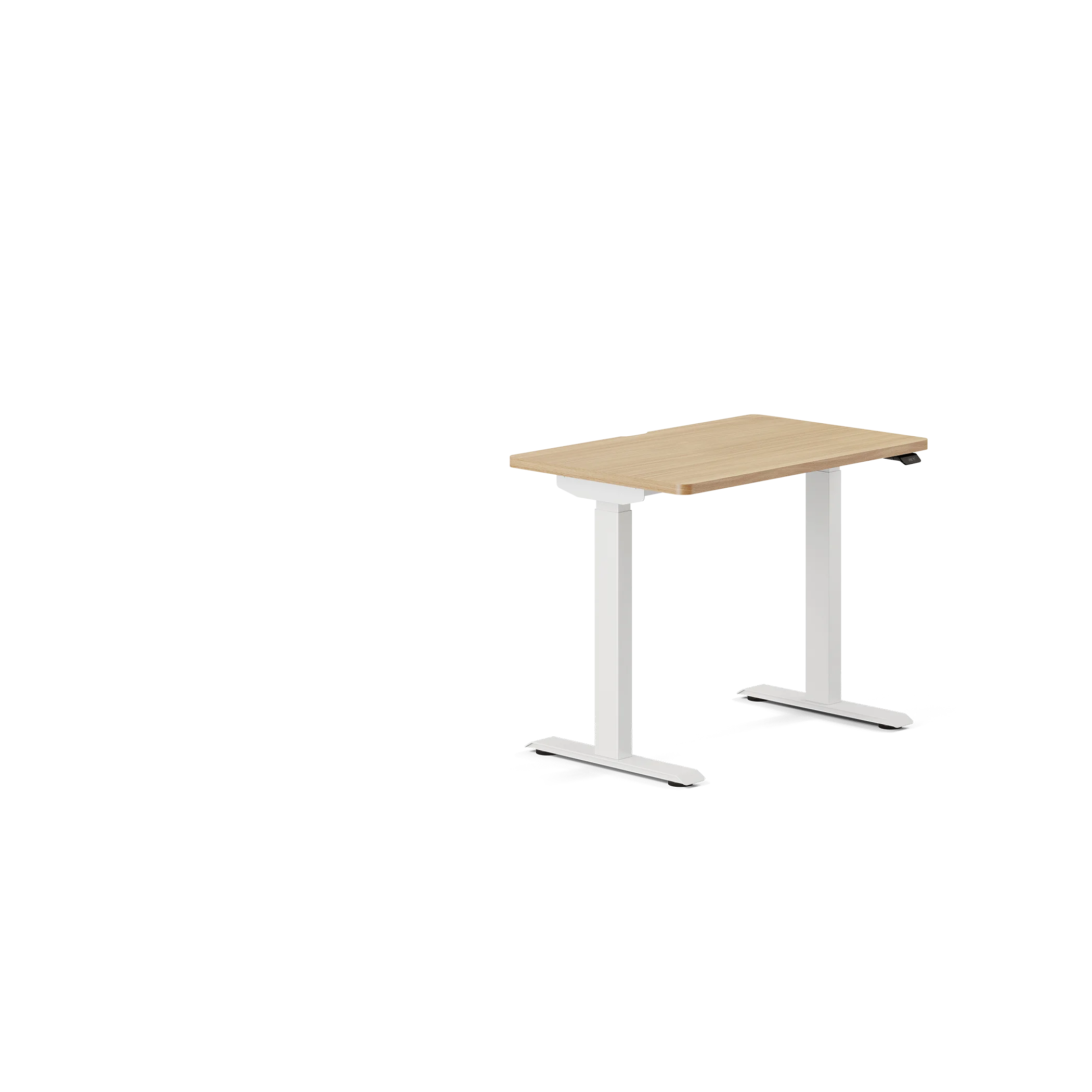
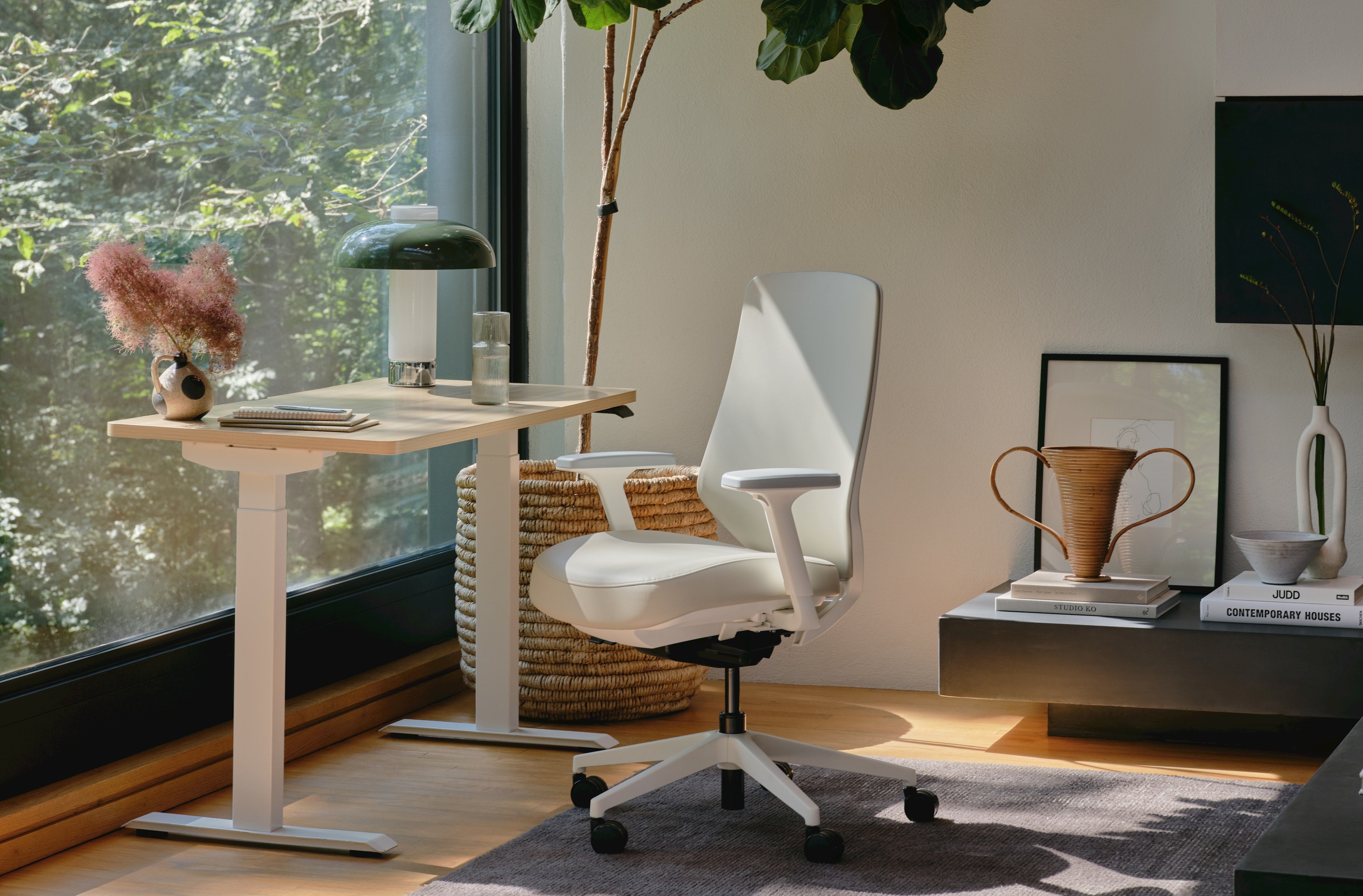
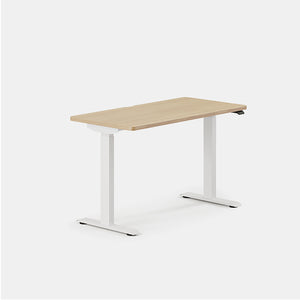
If you’re looking to update your setup, consider if a Standing Desk may be the right fit, with a spacious desktop and adjustable desk height controls that promise both durability and ergonomic benefits.
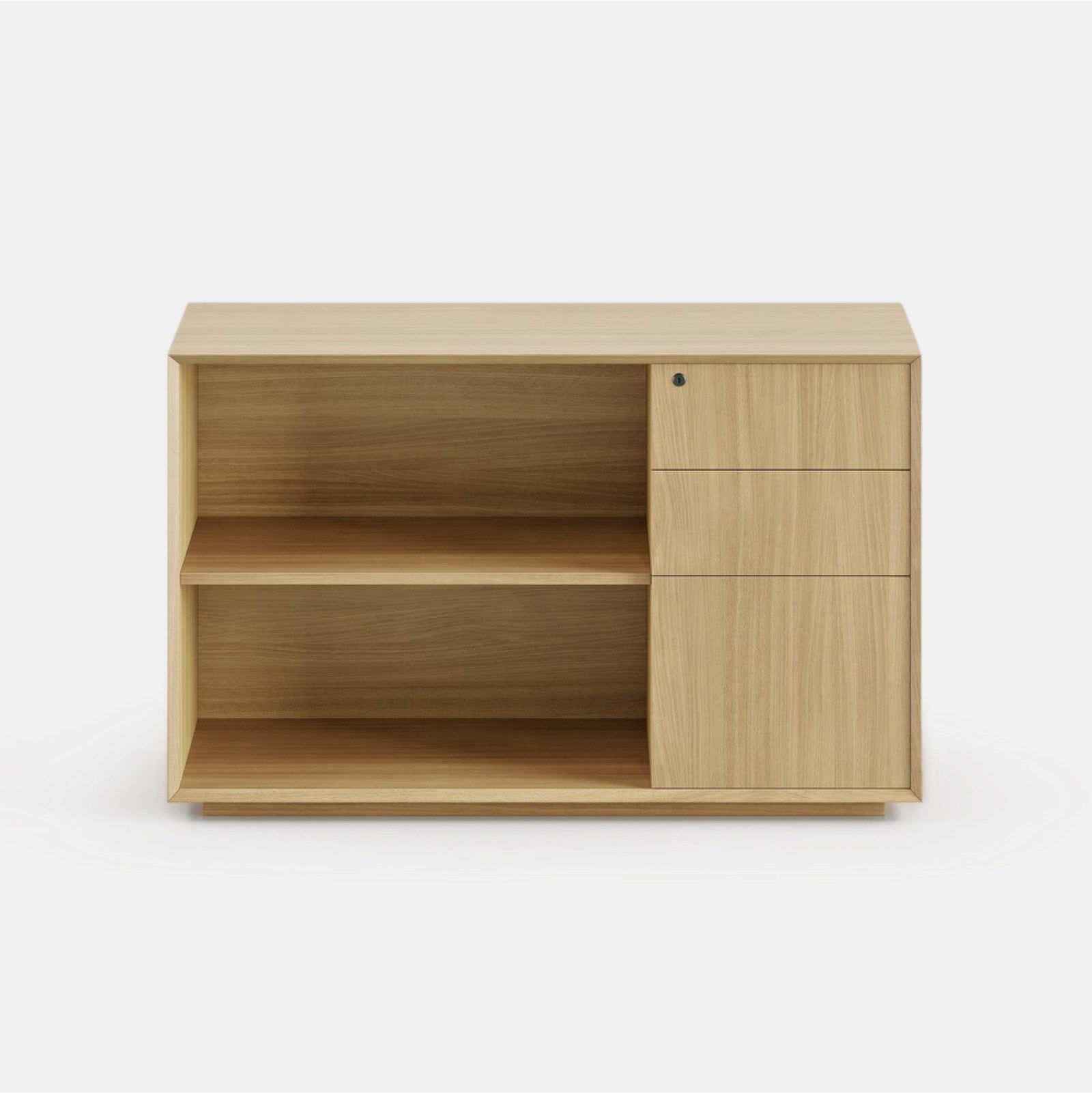
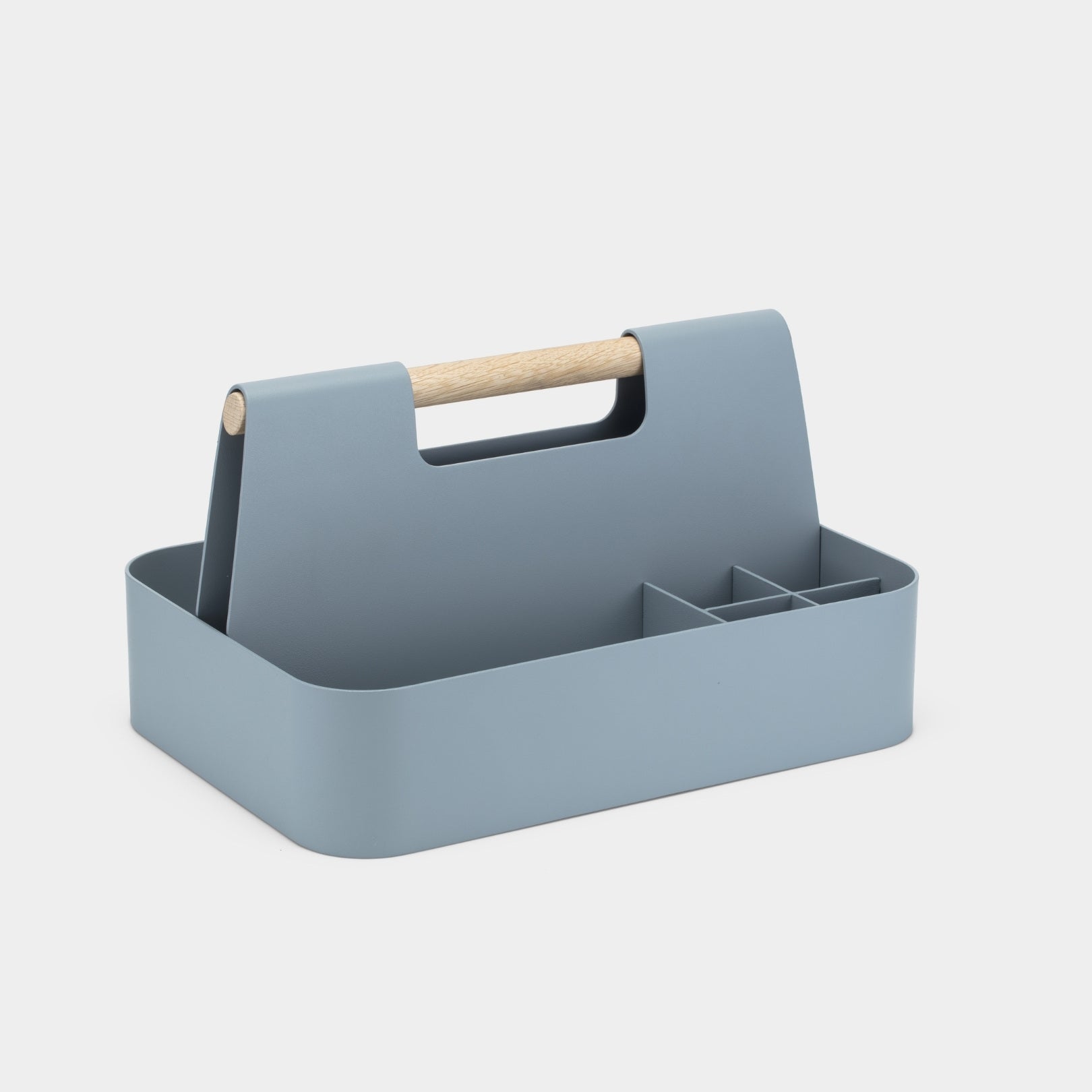
Incorporate desk accessories like a footrest to improve circulation and comfort during long hours. Cable management tools can also keep your workspace organized, reducing clutter that can contribute to a messy desk and distract from your work. Integrating these ergonomic essentials creates a comfortable and productive workspace that supports your well-being and efficiency throughout the workday.
Optimizing Lighting
Proper lighting is also crucial for maintaining high productivity and well-being in your office. Position your office desk near a source of natural light to reduce eye strain and boost energy levels. Exposure to daylight can enhance mood and focus, which may make it easier for you to focus and stay productive.
For times when natural light isn't available, invest in a quality desk lamp with adjustable brightness settings. Also, it’s important to ensure your monitor setup is at eye level to prevent neck strain.
Combining ambient lighting with task-specific lighting creates a balanced environment conducive to productivity. Smart bulbs or desk accessories that adjust brightness based on the time of day can also help maintain optimal lighting conditions.
Personalized Workspace
Creating a productive workspace involves personalizing it to meet your specific needs. Identify your workflow patterns and adjust your setup accordingly. If you spend long periods at your desk, a dual monitor setup can improve efficiency by allowing you to multitask more effectively. Utilize a monitor arm to adjust the height and position of your screens, ensuring they are at eye level to prevent neck strain.
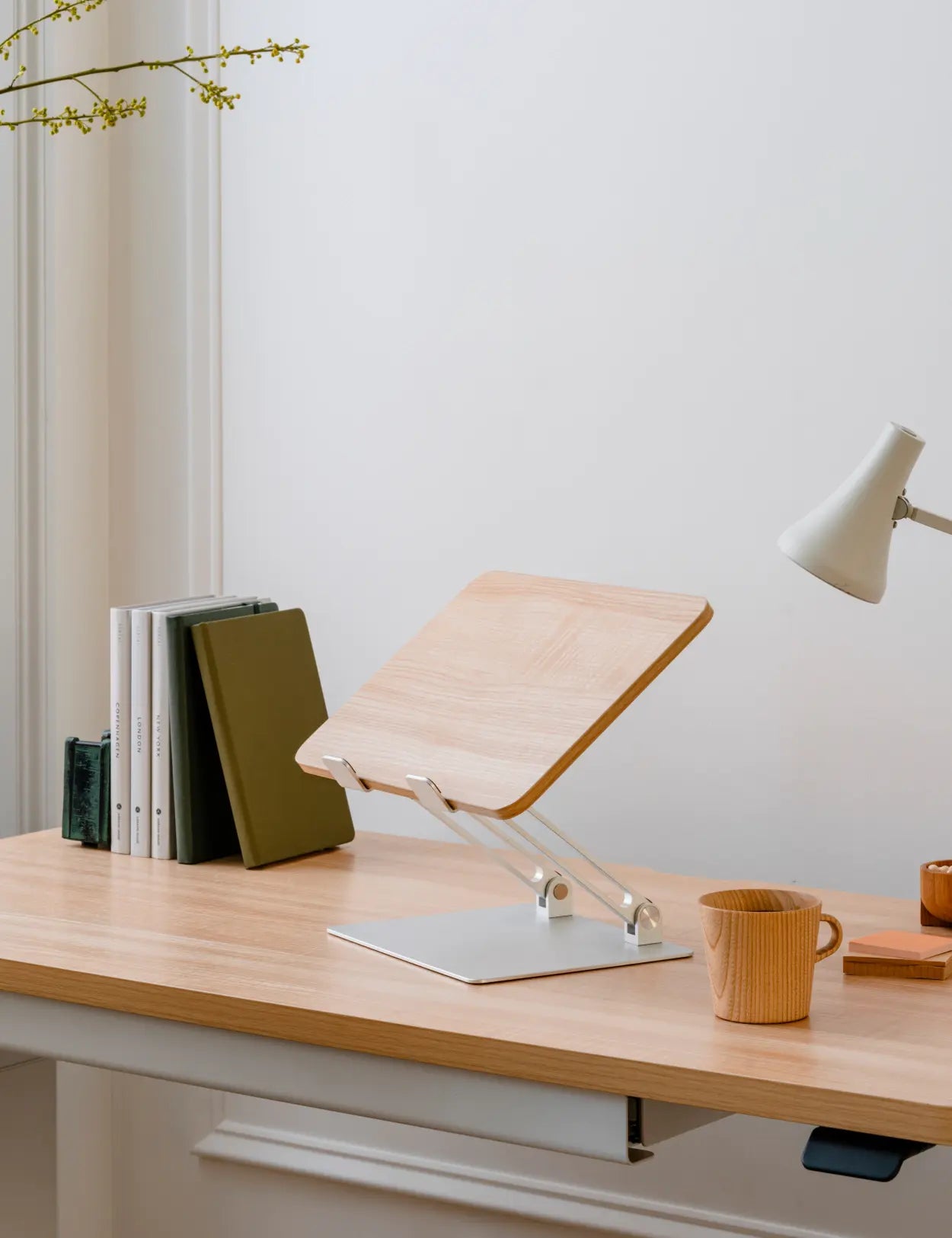
Incorporate desk accessories like a to-do list board or headphones to improve your concentration and stay organized. For Macbook users, an ergonomic keyboard and monitor stand can improve productivity. Investing in an ergonomic chair with lumbar support will help prevent back pain during extended work hours.
Layout is Key
Contents

Need help designing?
Take our quiz for personal recommendations on the right Branch products for your workday.Subscribe and save
Get access to exclusive content, be the first to hear about new launches, and unlock a special discount when you subscribe to our email list.